Your scores
このコンテンツはまだ日本語訳がありません。
Once your scores are synced, the Scores tab is where you go looking for specific score data.
Filtering
Section titled “Filtering”Start with the Rating row and tap a level. Everything below it narrows to that level, including the totals.
Under My filters, chips stack on top of that. They cover the things you actually want to ask for:
- Lamp state, like No PFC, MFCs, No AAA
- No EX clear and No SDP
Add filter builds a new one, and Clear filters resets to the level.
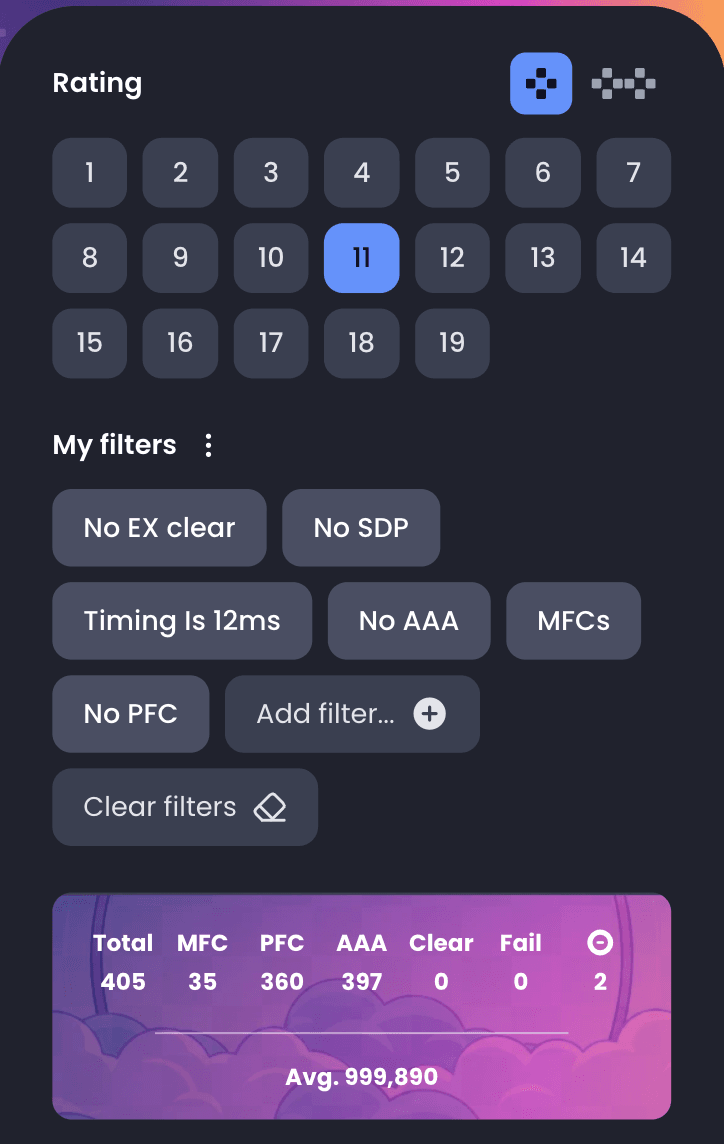
The card under the chips totals whatever you are looking at right now: how many charts match, how many are MFC, PFC and AAA, how many are still unclear, and your average score across them. It is the fastest way to see how a level is going.
Chart cards
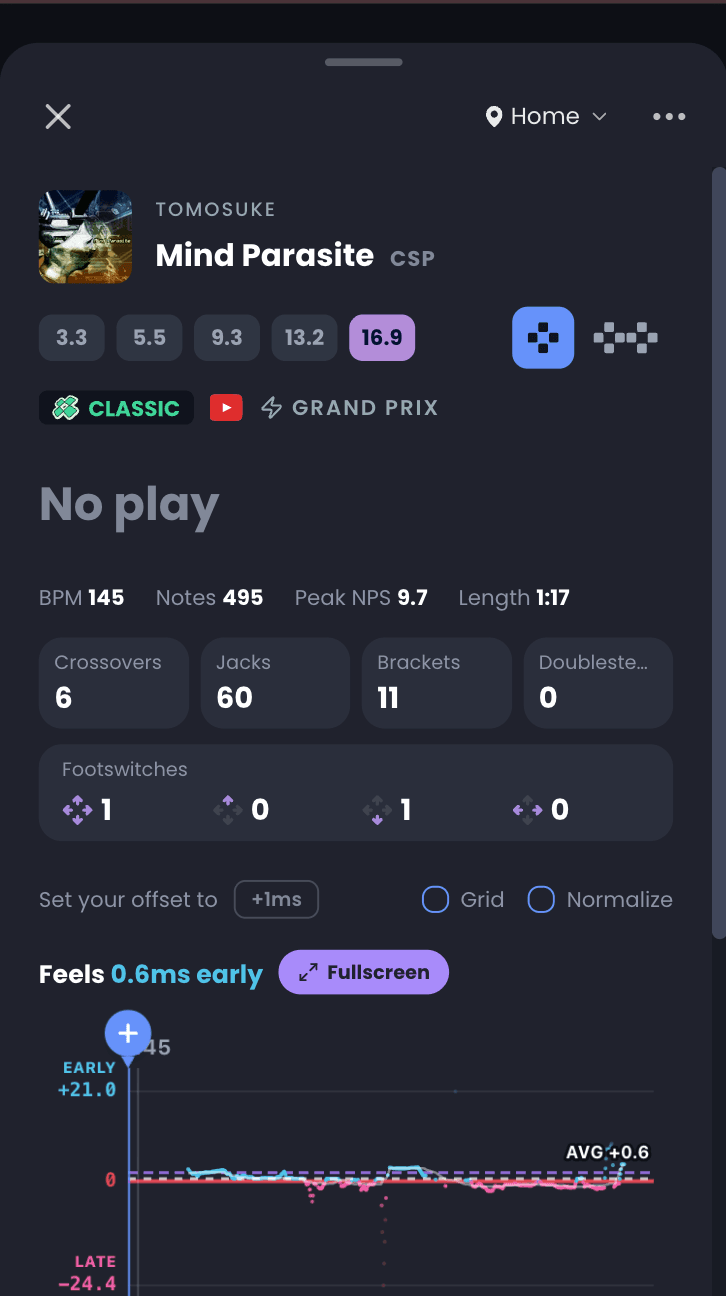
Section titled “Chart cards”Tap any song to open its chart card. It carries the things that decide whether you can beat it:
- Your score, lamp, grade and flare on that chart
- Level and Sanbai rating
- BPM, note count and peak NPS
- The patterns in the stepchart: crossovers, footswitches, jacks, brackets, jumps, holds, mines, shock arrows and stream
That pattern breakdown is why you can ask Edi for crossover-heavy charts and get an answer that means something.
Practice mode and fullscreen
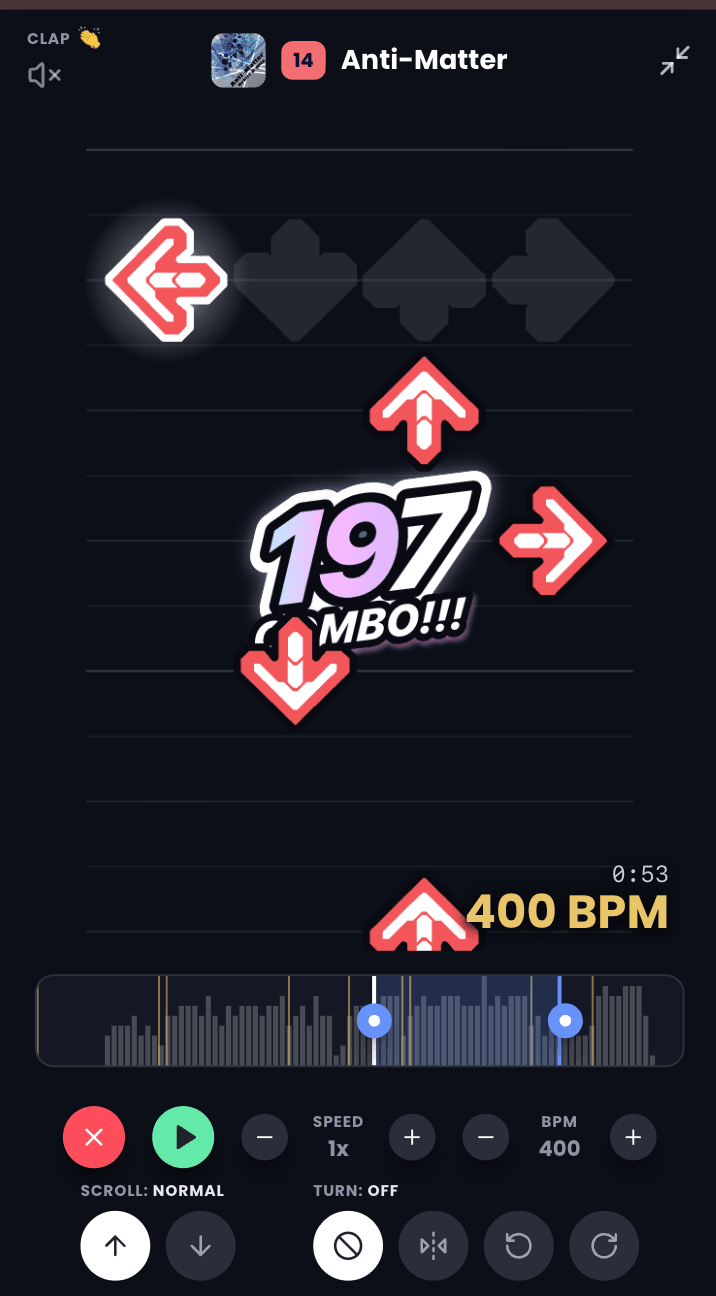
Section titled “Practice mode and fullscreen”A chart card can play the stepchart back so you can read it before you stand on the pad. Loop a section to drill the part that keeps catching you out, and go fullscreen to study it properly.